Slide Block
By Ragendom · Released · Updated
- Block Puzzle Games
- Puzzle Games
- Color Puzzle Games
- Mobile Games
Plays on: Desktop · Mobile · Added · Updated
About Slide Block
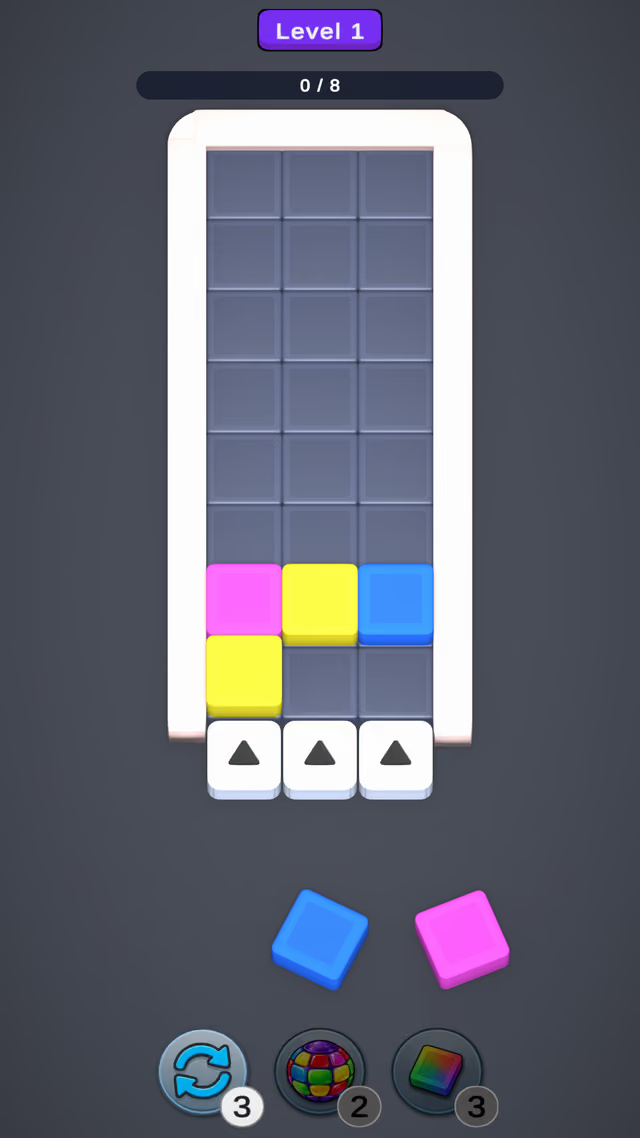
Slide Block is a free block puzzle for your browser. The board is a tall grid of three columns, and every new block enters from the bottom.
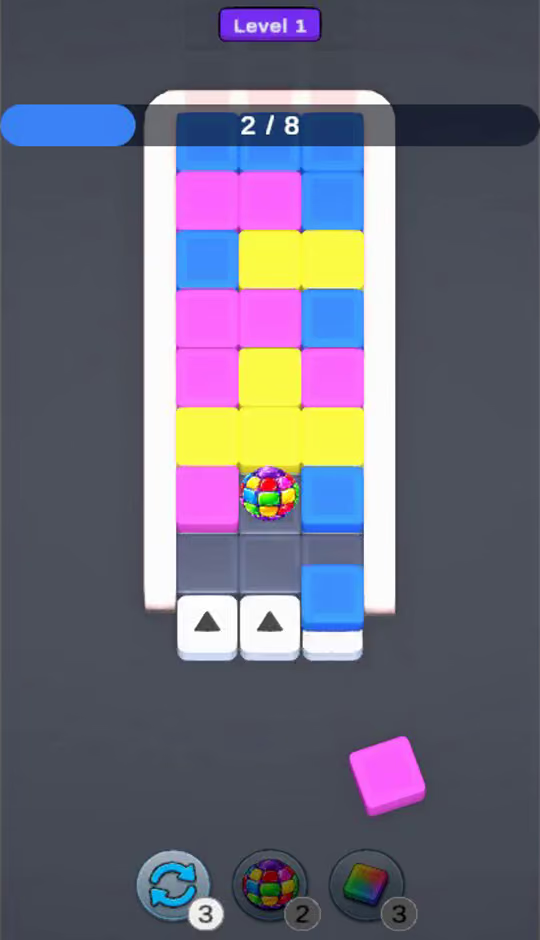
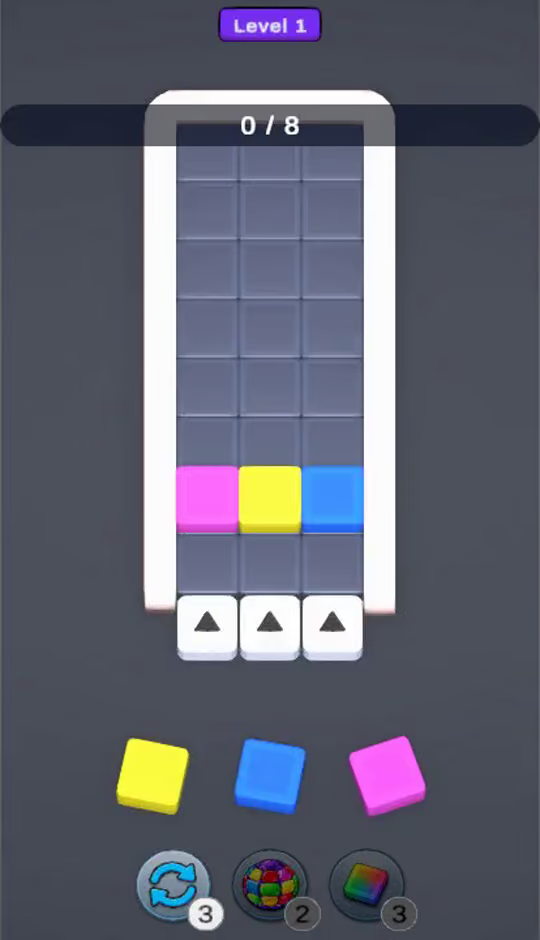
Three colored blocks wait in the tray below the board. Drag one onto the arrow under a column and it pushes in at the bottom, lifting everything in that column up one row.
The bar at the top counts your progress toward the level goal, for example 0 / 8 on level 1. Pushes that ignore the colors fill the board fast and end the level, so plan where each block goes.
Three boosters sit under the tray: a shuffle for a fresh set of blocks, a rainbow ball and a color block. Each has a limited count, shown on its badge.
On level 1 the board is eight rows tall, the tray deals pink, yellow and blue blocks, and the badges start at three shuffles, two rainbow balls and three color blocks, so you can try each booster early.
Drag with a mouse on desktop or with your finger on a phone; the whole game runs in the browser, so there is no download.
More Block Puzzle Games
See all →


How to play Slide Block
Fill the level's progress bar before the board runs out of room.
- Mouse
- Push a block
- Mouse
- Use a booster
- Touch
- Push a block
Tips for Slide Block
- Match colors in a column before you push.
- Keep one column low for emergencies.
- Save the shuffle for a tray that fits nowhere.
Slide Block FAQ
How do I play Slide Block?
Drag a block from the tray onto the arrow under a column; it enters at the bottom and pushes the column up.
Does Slide Block work on phones?
Yes, it runs in mobile and desktop browsers with touch or mouse.