Brick Frames
by Ragendom
Plays on: Desktop · Mobile · Updated
About Brick Frames
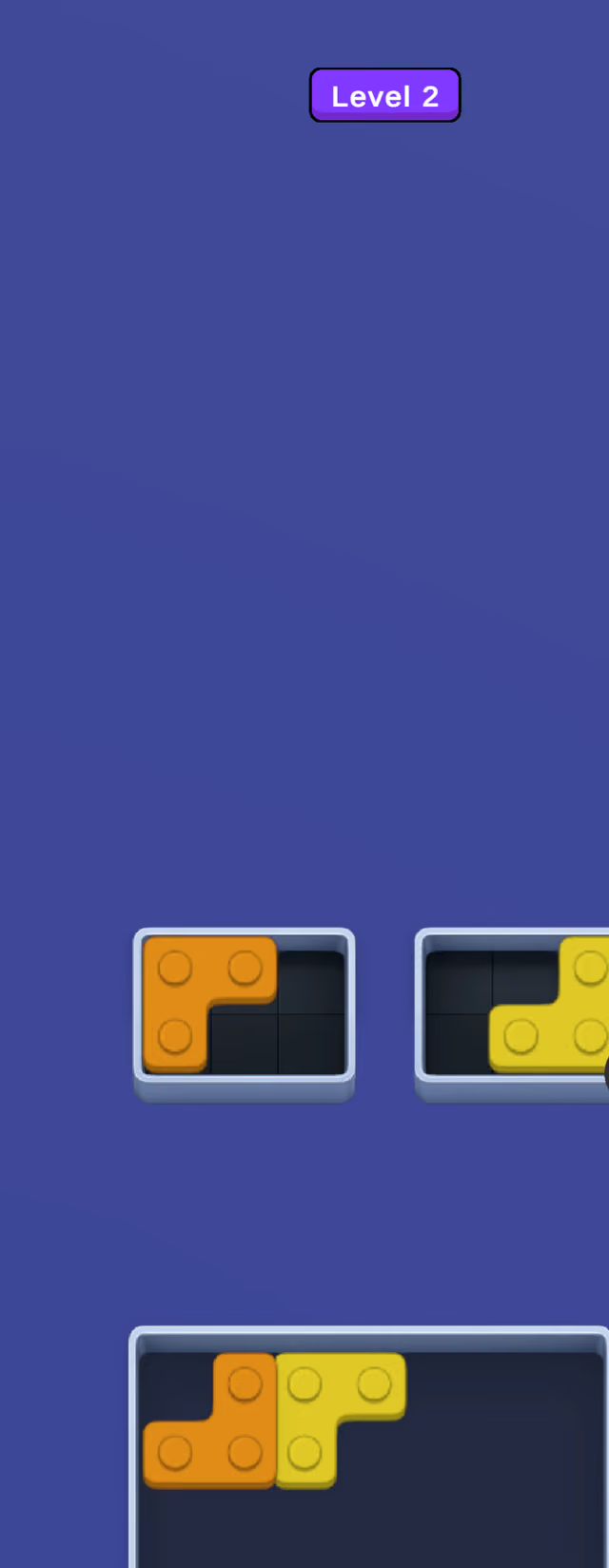
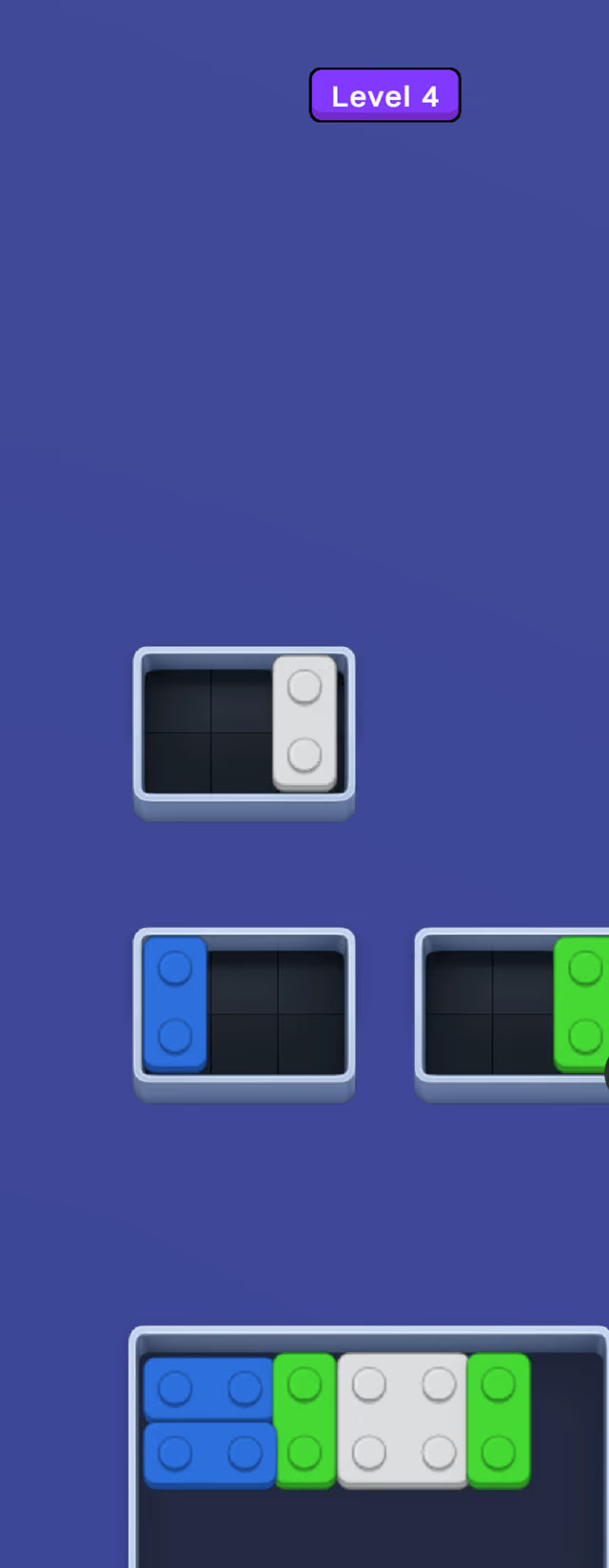
Drag chunky toy bricks from the tray at the bottom of the screen and snap them into the frames above until every gap is filled. Each frame already holds a brick or two of one color, and only pieces of that color belong in it.
The first level of Brick Frames is a single move: one orange square completes one orange frame. By level 4 you're filling three frames at once from a tray of blue, green and white pieces, and two-stud bars, L-shapes and squares all turn up in the opening levels. The challenge is the order. Drop a piece into the wrong spot and the brick you need later no longer has room.
A hammer is ready from the start, with a shuffle and a hint joining at levels 2 and 3.
We saw no timer in the opening levels, so you can stop and study a frame for as long as you like. Every move is a drag of a chunky piece, big enough to grab comfortably with a thumb on a phone or with a mouse.
How to play Brick Frames
Fill every frame with bricks of its own color. The level is complete when no gaps are left.
- Mouse
- Move a brick into a frame
- Touch
- Move a brick into a frame
- Mouse
- Use the hammer, shuffle or hint
- Touch
- Use the hammer, shuffle or hint
Tips for Brick Frames
- Check the color already sitting in each frame first: a piece only belongs in a frame of its own color.
- On levels with several frames, fill the one with the smallest gap while the tray still holds a piece that fits it.
Brick Frames FAQ
Is there a time limit in Brick Frames?
Not in the levels we played. You can take as long as you like to plan each placement.
Can I play Brick Frames on my phone?
Yes. It plays in portrait in mobile browsers, and on desktop with a mouse.