Crowd Loader
by Ragendom
Plays on: Desktop · Mobile · Updated
About Crowd Loader
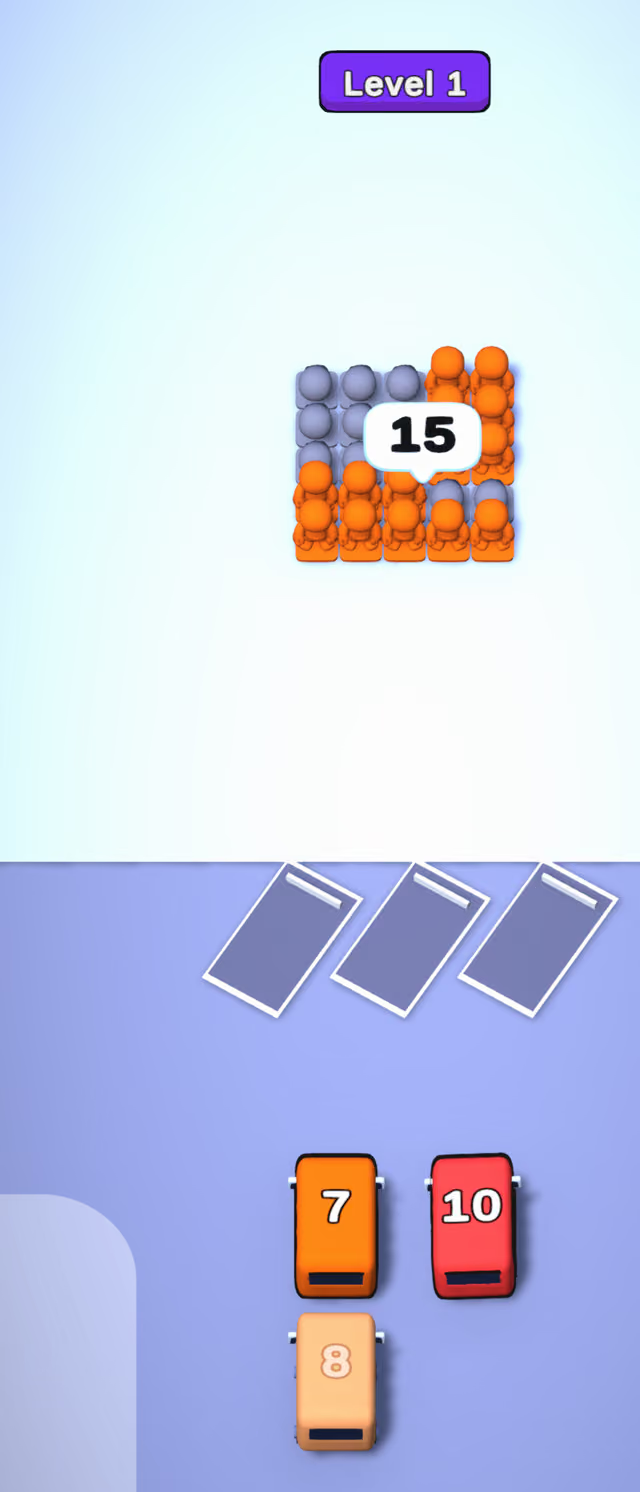
Tap a bus and it pulls into one of three angled loading bays, where passengers of its color file in until every seat is taken. In Crowd Loader a block of passengers stands at the top of the screen with a speech bubble counting how many are still waiting, and each bus is painted in a passenger color and marked with its number of seats.
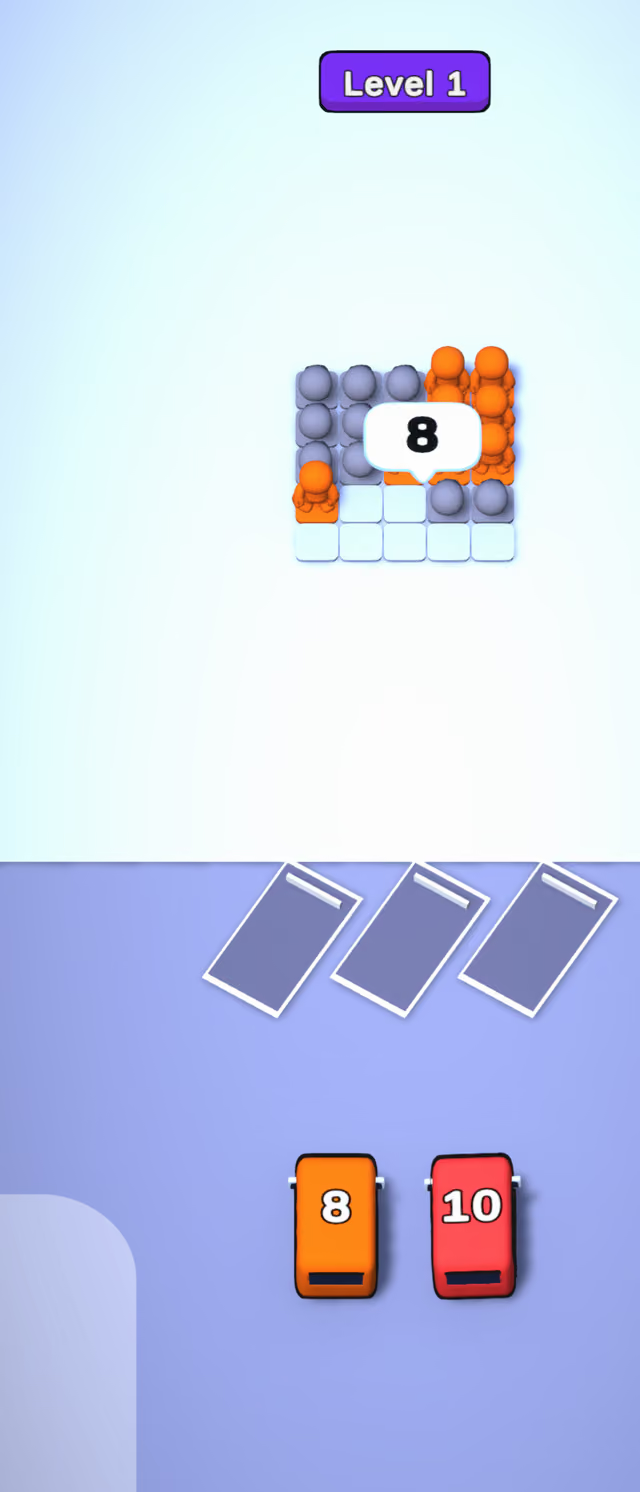
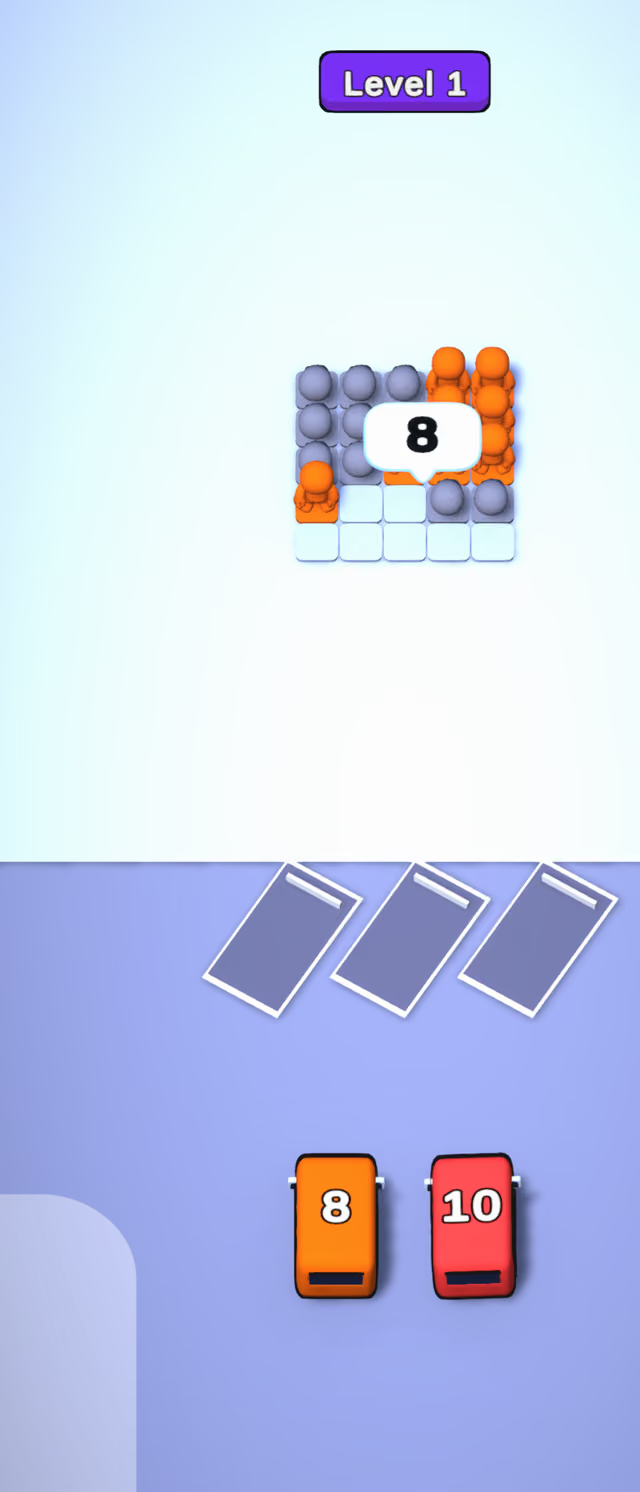
In the first level, sending the orange 7-seater took seven orange passengers out of the crowd in one go and the counter dropped from 15 to 8.
The line-up can change as you play: one bus in the first level started out pale and only showed its color after the first bus had left. Matching the seat numbers to the passengers who can actually reach the bays is where the thinking comes in.
A shuffle helper is available from the start, with two more tools unlocking at levels 2 and 3.
The seat numbers make it a small counting puzzle as well as a color sort, which suits players who like to plan a few buses ahead.
How to play Crowd Loader
Load every waiting passenger onto a bus of their color. The bubble above the crowd shows how many are left.
- Mouse
- Send a bus to a loading bay
- Touch
- Send a bus to a loading bay
- Mouse
- Use a helper
- Touch
- Use a helper
Tips for Crowd Loader
- Read the seat number on each bus: a bus that fits exactly the passengers who can reach it clears space fastest.
- Watch the crowd counter; it tells you how many passengers your remaining buses still have to carry.